Planning inclusive tickets for all guests
Planning an inclusive ticket system requires you to consider how different guests interact with physical paper during your event. Children, older visitors, and guests with physical or visual limitations often face challenges when tickets feature tiny text or confusing layouts. Adapting the physical design of your tickets ensures everyone can find the right information quickly at the gate or the cloakroom. When your tickets are easy to read and handle, your staff can process entries faster and focus on welcoming guests instead of resolving confusion.
Selecting readable fonts for physical tickets
Typography choices directly affect how easily guests can read their admission or cloakroom tickets. Older visitors and guests with visual impairments often struggle to decipher small print, especially in low-light environments like concert halls. Selecting clear fonts helps your staff verify details quickly and gives your guests confidence when navigating the venue.
Recommended minimum font sizes
You should use a minimum font size of 12 to 14 points for standard text to ensure general readability. For audiences requiring large print, accessibility standards recommend increasing body text to at least 16 or 18 points. Using these larger sizes drastically reduces reading time and visual fatigue for older guests. You must also maintain a tall height for lowercase letters, which makes small characters look bigger without needing to scale the entire font up excessively.
Avoiding overly decorative typefaces
Clean and uniform sans-serif fonts work best for small printed items because they lack tiny decorative strokes that blur easily. You should avoid script, italic, or highly condensed fonts that compress letter spacing and create visual noise. Simple letterforms with open interior spaces prevent characters from bleeding together when ink spreads slightly on physical paper. Choosing distinct character shapes also prevents guests from confusing similar letters and numbers in dim lighting.
Spacing letters and lines clearly
Proper spacing between letters and lines reduces visual crowding and makes text much easier for visually impaired readers to scan. Adding generous horizontal space prevents adjacent characters from merging and helps the eye separate individual letters quickly. You should apply adequate line height to stop the top of tall letters from colliding with the bottom of letters on the line above. This breathing room keeps shapes isolated and prevents eye strain when staff need to read ticket details in a hurry.
Improving visibility with strong colour contrast
High colour contrast is essential for the quick visual verification of tickets because it maximises legibility under unpredictable lighting conditions. Event venues often feature dim environments or harsh sunlight that can wash out poorly contrasted designs. When you pair dark text with a light background, you overcome these lighting challenges and prevent details from blurring together. This stark difference allows your team to process dates, times, and tier levels in milliseconds without experiencing unnecessary eye strain.
The visibility of your ink depends heavily on the paper background and how it absorbs colour. Uncoated paper absorbs ink like a sponge and can make colours look muted, while coated paper keeps the ink on the surface for crisp lines. You must avoid matching analogous colours, such as green text on a blue background, because these combinations lack clear boundary definitions for guests with low vision or colour vision deficiencies. Relying on classic high contrast, like deep black ink on bright white or pale yellow paper, provides the strongest clarity for everyone.
Writing simple instructions for ticket users
Clear wording on your tickets helps children, visitors with cognitive challenges, and guests who speak different languages understand the rules immediately. Replacing complex terms with plain language ensures that everyone knows exactly where to go and what their ticket entitles them to. This straightforward approach reduces the number of questions directed at your staff during busy periods.
Using plain everyday words
You should choose familiar vocabulary that leaves no room for misinterpretation when printing instructions on coupons and vouchers. Replacing industry jargon with simple terms helps families and school groups grasp the intended message instantly. Complex legal terms or overly formal language can confuse guests and slow down the redemption process at food stalls. Everyday words create a welcoming tone while clearly communicating the value of the ticket.
Keeping sentences short and direct
Long blocks of text are difficult to read on small items like cloakroom tickets or drink vouchers. You must keep your sentences short and focus on the single most important action the guest needs to take. Breaking instructions down into brief statements makes the text accessible for readers with cognitive challenges. This direct style allows staff and visitors to scan the ticket and understand the requirements at a glance.
Avoiding confusing abbreviations
Abbreviations often save space on a small printed ticket, but they can easily confuse guests who are unfamiliar with your venue. You should spell out words fully whenever possible to ensure the meaning remains clear to every visitor. If you must shorten a term, pick a universally recognised format rather than inventing an internal code. Clear and complete words prevent mistakes at entry points and help your event run smoothly.
Adapting ticket shapes and tear lines for limited mobility
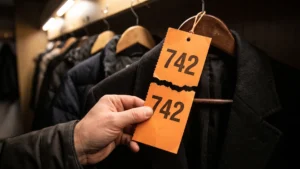
The physical handling of a ticket is just as important as its visual design for guests with limited motor skills. Standard printer paper is often too thin and sticks together, requiring a tight pinch that can cause joint fatigue for people with arthritis. You should choose a medium cardstock that offers enough rigidity to separate easily from a stack without forcing guests to grip it too firmly. A smooth matte finish provides natural friction that stops the paper from slipping out of the user’s hand.
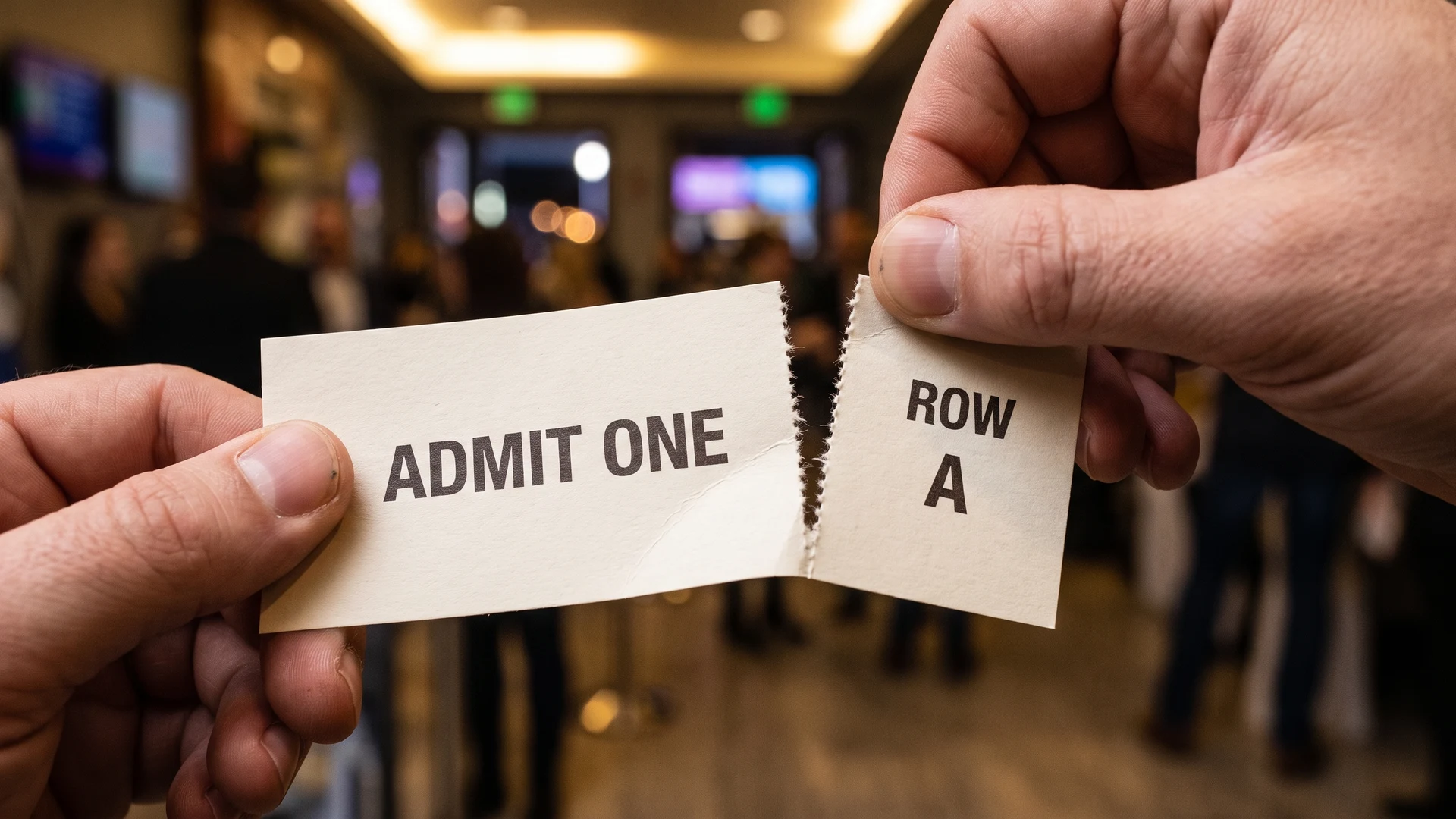
Tear lines and perforations also play a significant role in how quickly your staff can process admission at the gate. If a perforation is too strong, the ticket taker might struggle to separate the stub and accidentally rip the main ticket. If the perforation is too weak, the stub may detach prematurely in a guest’s pocket and force a slow manual verification process. Selecting the correct paper weight and perforation strength speeds up physical validation and prevents damaged tickets from causing bottlenecks.
Steps for prioritizing information on your tickets
Organising information logically helps both guests and staff find critical details quickly during admission. Establishing a predictable visual hierarchy from top to bottom makes the ticket easier to scan in a crowded and busy environment. You can improve operational efficiency by following a structured process for placing text on your physical tickets.
- Identify the most critical details: You must start by determining which pieces of information your staff need to see first, such as the event date, time, or gate number. Separating these core elements from general terms and conditions prevents the design from becoming cluttered. This focus ensures that the primary purpose of the ticket remains obvious.
- Place essential data at the top: Put the most important information in the top right corner or across the top header so it remains visible when held. Staff develop muscle memory when checking tickets, and a consistent location helps them verify details in a fraction of a second. This predictable placement drastically reduces queues at the entrance.
- Group secondary information clearly: Organise less urgent details, like refund policies or venue addresses, towards the bottom or on the back of the ticket. Grouping related items together helps guests find answers to their questions without distracting your staff from the primary validation task. A clean separation between primary and secondary text maintains a strong visual hierarchy.
Creating distinct designs for food drinks and cloakrooms
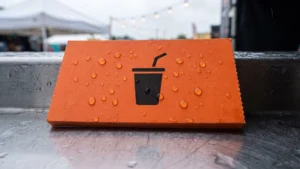
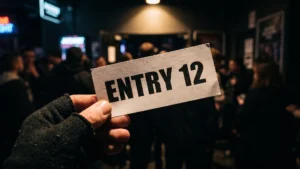
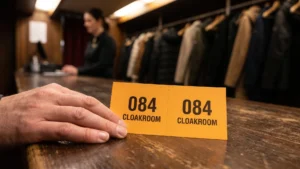
Applying inclusive design principles across multiple ticket types ensures that guests do not mix up their vouchers. A single general-purpose ticket might work for a small gathering, but larger events need clearly separated formats for admission, cloakroom use, and food distribution. You can use distinct shapes, different paper sizes, and clear text layouts to give each category a unique identity. This separation helps visitors know exactly which coupon to present when they reach a specific counter.
Staff also benefit heavily when different ticket categories are easy to tell apart during busy service periods. You can assign a specific layout and bright background shade to your drink tickets while keeping food coupons in a completely different format. This visual distinction prevents misuse and stops guests from accidentally handing over the wrong voucher in a crowded queue. A well-organised multi-ticket system keeps operations running smoothly and makes it much easier to reconcile usage after the event ends.
Testing your tickets before the event
Printing a physical sample allows you to test your ticket designs with different users before placing a large final order. You should handle the paper, check the readability under dim lighting, and verify that the tear lines separate easily. Testing the design with your staff and a few volunteers gives you confidence that the format will actually work smoothly on the day. This practical step minimises the risk of ordering unusable supplies and provides peace of mind for your organising team.
What font sizes should we use so children and older visitors can read tickets easily?
Set body text at 12 to 14 pt for most readers, and 16 to 18 pt for large print. Use 20 pt or larger for bold headings. Follow Web Content Accessibility Guidelines (WCAG) with line spacing of at least 1.5 and letter spacing at least 0.12 times the font size.
Which color combinations are easiest to read on tickets?
Choose dark text on a light, matte background for dependable clarity. Aim for a minimum contrast ratio of 4.5 to 1 for regular text and 3 to 1 for large text, and avoid pairings like red on black or light gray on white. Test printed samples under your venue lighting.
How can we write ticket instructions that everyone understands quickly?
Use plain, direct verbs and short sentences that cover one action at a time. Left align text, avoid long blocks of capital letters or italics, and pair simple icons with clear words rather than color alone. Keep critical items in consistent locations across tickets.
What paper and finish help guests with limited grip handle tickets?
Choose a medium weight stock that is easy to hold. A 105 to 120 gsm text paper or a 176 to 216 gsm light cover gives enough rigidity without feeling stiff. Use a matte or uncoated finish to add grip and reduce glare, and avoid slick coatings.
How should we design perforations and stubs for easier tearing at the gate?
Provide a clear tear off stub with a generous margin so fingers can grip without pinching. Tune the perforation so it tears cleanly, not so weak it rips in pockets and not so strong it fights staff. Place the stub consistently, ideally on the side most staff use.