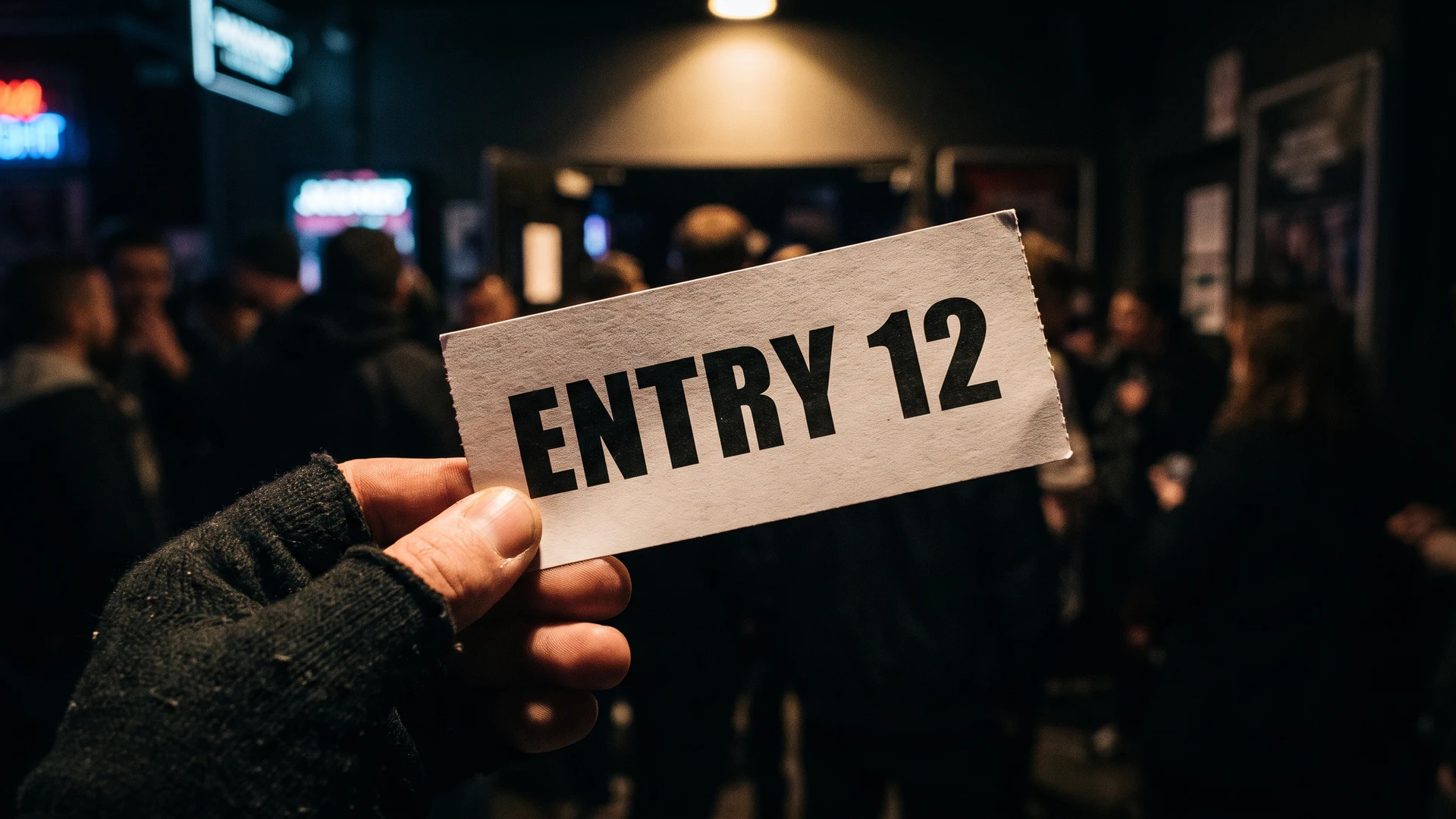
Why ticket readability matters during busy events
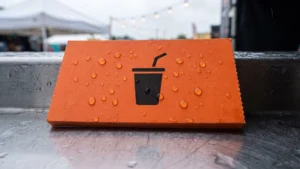
When staff must squint to decode a tiny number or a decorative font, every transaction takes a few seconds longer. These small delays accumulate rapidly during peak arrival times and create long queues at your admission gates or food counters. A highly legible physical ticket removes this friction and allows your team to maintain a steady flow of visitors. Prioritising function over an elaborate design guarantees that staff can instantly verify information under any condition.
How to choose clear fonts for your event tickets
Selecting the right typography is one of the most important decisions you will make when designing your ticketing system. The correct typeface ensures that your staff can validate admission passes or cloakroom numbers with a single glance. By understanding how different fonts perform in real environments, you can prevent reading errors before they happen.
Prioritizing simple letters over complex designs
The most effective typefaces for printed tickets are clean sans-serif fonts such as Arial, Helvetica, and Verdana. These fonts lack decorative tails and feature open counters, which are the internal white spaces inside letters like the letter ‘e’ or ‘o’. Keeping these internal spaces open prevents ink from blurring together during the physical printing process. Simple letterforms reduce cognitive load and allow your staff to process the information without pausing to decode the shape of the text.
Using bold text for important details
You can apply bold text to create immediate visual contrast for the most critical details on your ticket. This technique separates high-priority information from standard background text and guides the eyes of your staff directly to the required data. Bold weights work exceptionally well for event names, seat numbers, or specific food values that need instant recognition. Avoid using ultra-thick or heavy font weights that might distort the shape of numbers and letters.
Avoiding script fonts for functional text
Script and decorative typefaces often feature intricate swirls, low-contrast strokes, and tight spacing that severely reduce reading speed in high-traffic environments. These elaborate designs quickly degrade when scaled down for small physical prints. Elaborate loops and tight letter junctions trap ink and can turn important words into unreadable smudges on the final printed ticket. You should reserve these ornamental styles strictly for large logos or main headers rather than functional text.
Selecting the right text size for low light and fast checks
Sizing your text correctly is just as crucial as choosing the right font style for your physical tickets. Staff often operate in challenging environments with poor illumination or fast-moving crowds that make reading difficult. Adjusting your text dimensions to suit the specific physical setting helps your team work efficiently and confidently.
Minimum text sizes for daylight events
For standard daytime events with bright lighting, you can safely use a minimum of 10 to 12 points for your standard body copy. This size provides enough clarity for secondary data like terms and conditions or basic venue instructions. Even in good lighting, you must ensure a high visual contrast between the dark text and the light background of the paper. Maintaining a stark contrast difference prevents glare from washing out the letters when staff check tickets outdoors.
Adjusting sizes for evening and low light venues
Dim lighting naturally causes the human pupil to dilate, which reduces visual sharpness and makes small text blur together. When planning for evening events or dark cloakroom areas, you should increase your essential text size to at least 12 to 14 points. You must also avoid using thin or light font weights, as these delicate strokes easily disappear under low illumination. Switching to a medium or semi-bold weight ensures the text remains visible even when your staff have limited light.
Scaling numbers for instant recognition
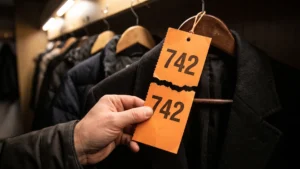
Numbers require special attention because attendees and staff often need to read them from a distance or while moving quickly. You can apply the general rule of thumb that every one inch of number height provides optimal legibility from ten feet away. Leaving generous blank space around the numbers prevents them from blending into surrounding logos or text blocks. Using clean sans-serif numbers with high contrast ensures your team can match items accurately without second-guessing the digits.
Where to place details on your physical tickets
The physical layout of your ticket determines how easily your team can find the information they need during a busy shift. When a staff member holds a ticket or a coupon, their thumb naturally covers a portion of the paper edge. You should place vital details like prices, dates, and sequential numbers away from the bottom corners to prevent them from being hidden during handling. Centring this critical data or positioning it clearly at the top ensures it remains visible at all times.
Grouping related information together also reduces the time it takes for staff to scan the ticket. An effective layout separates the functional data from any decorative graphics or sponsor logos that might distract the reader. Providing ample blank space around the most important text creates a clear visual hierarchy for the eye to follow. This simple ergonomic approach means your team will never have to search for the right detail when a queue is waiting.
Steps to test your ticket layout in real conditions
Designing your tickets on a computer screen does not always reveal how they will perform during an actual event. Printing a physical sample allows you to catch legibility errors before you commit to a full production run. You can follow a straightforward testing process to ensure your layout works perfectly for your staff on the day.
- Print a true scale sample: Produce a test copy of your ticket using the exact physical dimensions and paper type you plan to use for the event. Viewing the design at its real size immediately highlights whether your chosen fonts and numbers are too small to read comfortably. This physical proof is essential because computer screens artificially enhance contrast and make tiny text appear sharper than it will in print.
- Replicate the venue lighting: Take your printed sample into the actual space where your staff will check the tickets or distribute items. If your event takes place in a dimly lit hall or an outdoor field at dusk, you must evaluate the text under those exact conditions. This step reveals whether you need to increase the font size or adjust the weight to compensate for poor illumination.
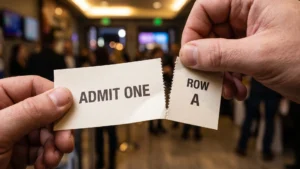
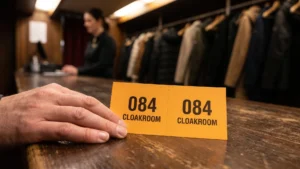
- Perform a handling test: Ask a colleague to hold the ticket exactly as a guest would present it at an admission gate or a cloakroom counter. Watch carefully to see if their fingers obscure any critical dates, sequential numbers, or security features during a standard handover. Adjusting the layout to keep important details visible during physical handling will save your staff from constantly repositioning the paper.
A simple approach to reliable ticket design
Creating an effective ticket system does not require complex graphic design skills or expensive printing techniques. By choosing clear sans-serif fonts, sizing text appropriately for your lighting, and placing details where they are easy to hold, you build a highly reliable tool. These practical choices empower your staff to work efficiently and ensure your guests enjoy a smooth experience from the moment they arrive.
What is a safe minimum text size for event tickets used in low light?
For dim conditions, set essential details like event name, date, and seat at 12 to 14 points. Keep supporting text at 10 to 12 points so it does not vanish. Use a regular or semi-bold weight and a clear sans-serif to maintain contrast.
Which fonts stay readable on printed tickets during fast checks?
Choose clean sans serif families like Helvetica, Arial, Verdana, Open Sans, or Frutiger. They use open counters, the white spaces inside letters, and a tall x-height, the height of lowercase letters. Avoid decorative or condensed styles, and use medium to bold weights for critical fields.
How should I lay out key details so staff find them instantly?
Establish a clear hierarchy by bolding the event name, date, time, entry point, and seat or section. Keep these in consistent positions across runs and leave generous white space around them. Place them away from common thumb grips so nothing important is covered.
What font weight and spacing help numbers stand out on tickets?
Use semi-bold or bold weights for seat, row, and ticket numbers, then give them room to breathe. Add a touch of tracking, the overall letter spacing, and avoid ultra-light or ultra-black styles. Keep backgrounds plain and high contrast so numeral shapes remain clear.
How do color and paper choices affect readability on tickets?
High contrast is critical, so print dark text on a light solid or white text on a deep solid. Glossy stock can cause glare, while matte stock keeps edges crisp. Avoid pale inks on colored backgrounds and test at actual size on your intended printer.